

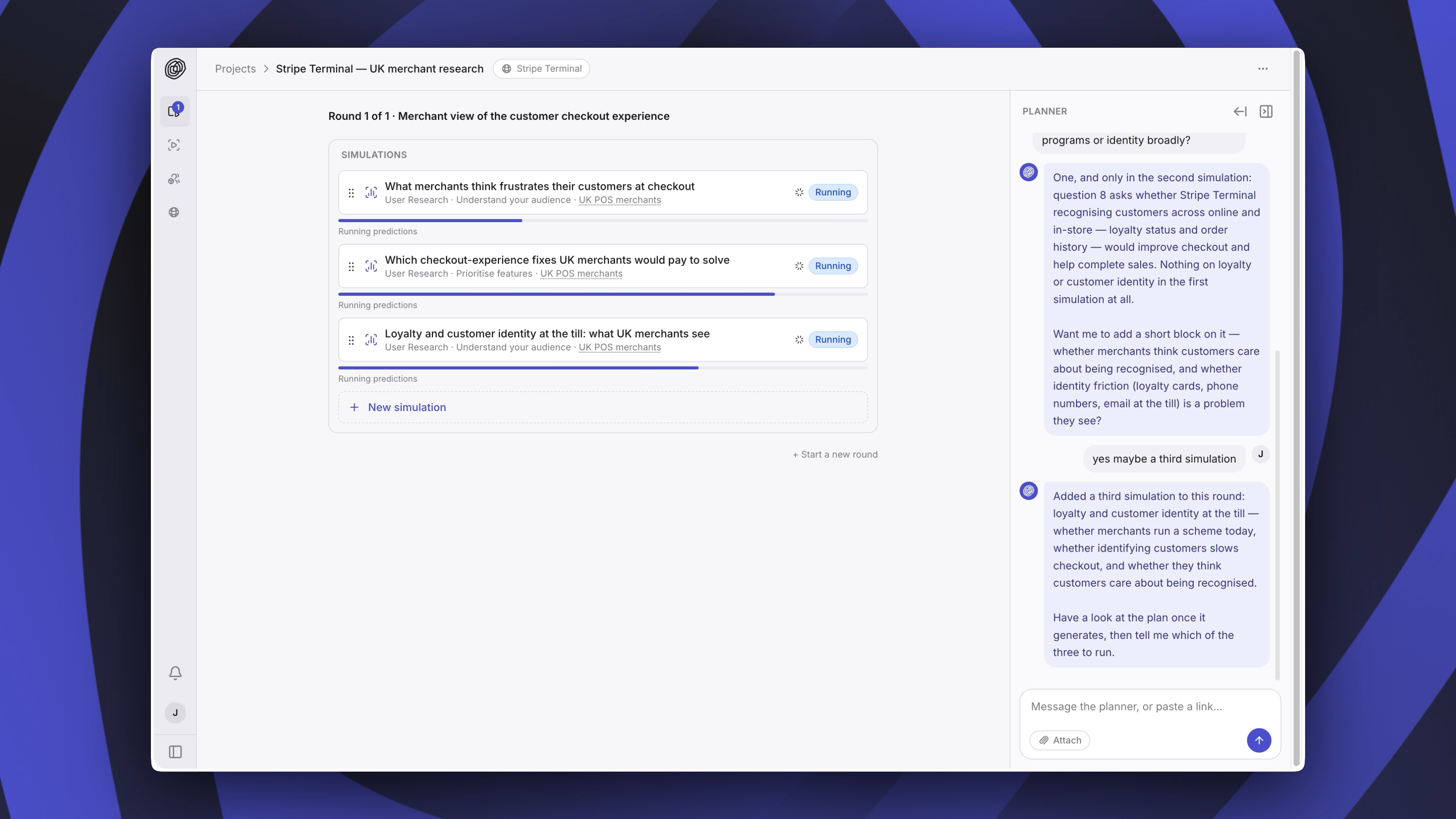
A project: the round's simulations in the centre, the agent on the right.
1
Start a project
Go to Projects and click New project.
2
Say what you want to find out
A new project opens with two cards. Define a simulation sets one up yourself. Upload a document or images gives the agent a plan, a spec, an ad or a screenshot to plan from. You can also paste a link or tell the agent what you want to find out.The agent asks before it starts if anything is unclear.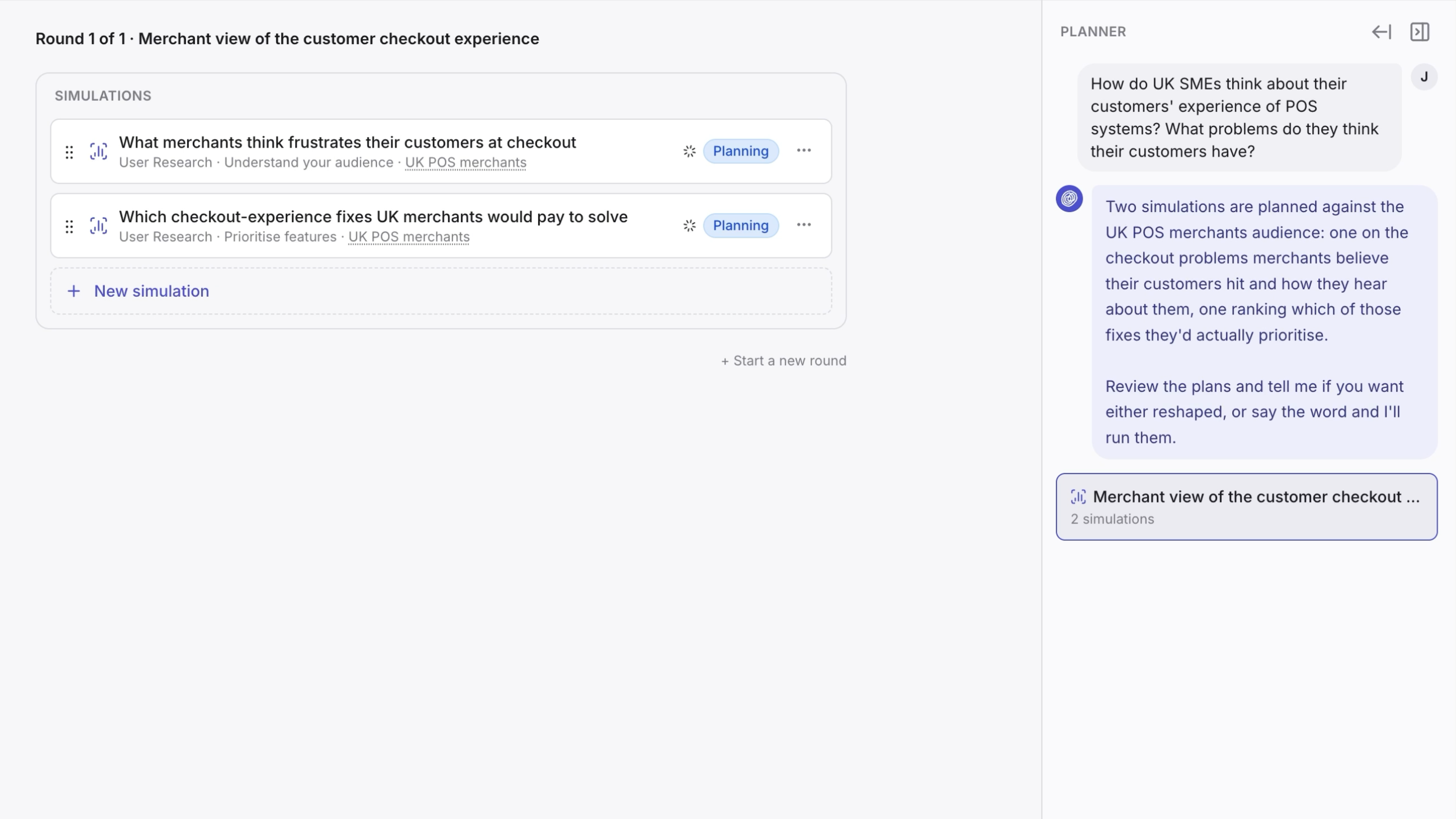
3
Set up your context
The first time you plan something, the agent asks about your company or product and writes your context from your answers. It is the background every project reads, so it is not about this project. You can edit it any time under Contexts. See How Semilattice works.
4
Check the plan
The agent plans a set of simulations and picks a user model for each. Open a simulation to read its questions or its task, and ask the agent to change anything before it runs. Nothing runs until you say so.
5
Read the results
Simulations take from a few minutes to around half an hour. When they finish, the synthesis for the round says what to change and why. Open any simulation to see its own results.
6
Change your work and go again
Apply what you learned, then Start a new round with the next version. Each round keeps its own simulations and synthesis, so you can see what changed between versions.
Elsewhere in the app
- Simulations lists every simulation you have run, across all projects.
- User Models lists the user models you can use, with each one’s accuracy.
- Contexts holds your context and any others you can use.
- Settings has your workspace, email notifications and API Keys, for the API.