

User models
A user model is a simulated version of a specific group of people, such as UK adults thinking about their finances or people in the US who shop online. It is built from real human data and simulates hundreds of respondents, each modelled on one real person, so you can see how the group splits as well as how it answers overall. Every user model shows its accuracy on its page under User Models, measured by comparing its predictions with how real people answered. Models built for your organisation are listed under your organisation’s name; models anyone can use are listed under Public. See User models.Your context
Your context is the background on your work as a whole: your company if you work across it, otherwise the product or area you own, or for an agency, the client. You write it once, and every project you run reads it, so your simulations are planned with your market, your users and your pricing in mind. A context is not about any one project. The question a project is answering, the feature it is testing, or the hypothesis behind it belong in the project, not the context. The first time you plan something, the agent sets up your context with you. You can read and edit it under Contexts, and each project shows the one it uses. Using the app covers how it is set up. If you also work on a different company, client or product line, give it a context of its own.Projects and rounds
A project is one piece of work you want feedback on, such as a homepage refresh or a new pricing page. A project’s work is split into rounds. A round holds the document or images it tests, the simulations run against them, and one synthesis across those simulations. Start a new round when you have a new version of the document or want to look closely at one part of it. Keep working in the same round while the same question is still open.Simulations
A simulation puts one question to one or more user models. There are two kinds. User Research asks simulated users questions about a concept, a message or an idea. Every question is single-choice on a scale. Each simulation has a goal:- Understand your audience: what do your users care about?
- Validate a concept: will users care about this idea?
- Assess risk of a change: how will users react to this?
- Prioritise features: which should we build next?
- Test messaging: how should we talk about this?
- Compare positioning: how do we stand out from competitors?
Results and the synthesis
Each simulation has its own results: how the user models answered each question, or what happened on each journey. The synthesis reads every simulation in a round and says what to change, with the evidence for each recommendation. It updates as more simulations in the round finish. You can export it as a PDF report or Markdown, and share it with a link.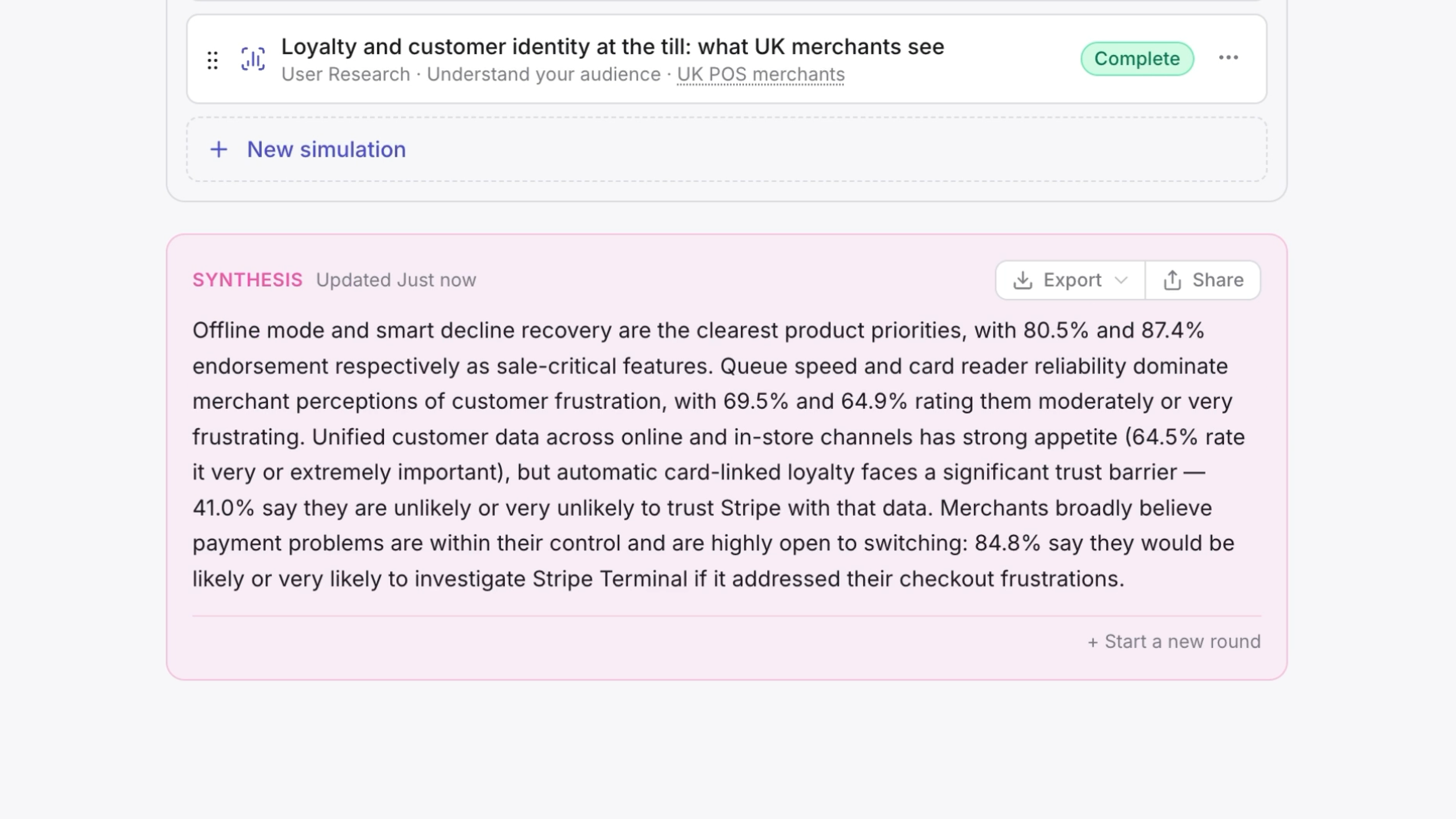
Next
Using the app
Start a project and act on what comes back.
Semilattice MCP
Do the same from Claude, Claude Code, Cursor or another agent.